

Tutorial: How to highlight certain image

I found a pretty interesting thing on photoshop today which is the ‘Channel Mixer’. It helps to highlight certain image which leave others to a single still color.

1. Fire your photoshop and open up a new image.
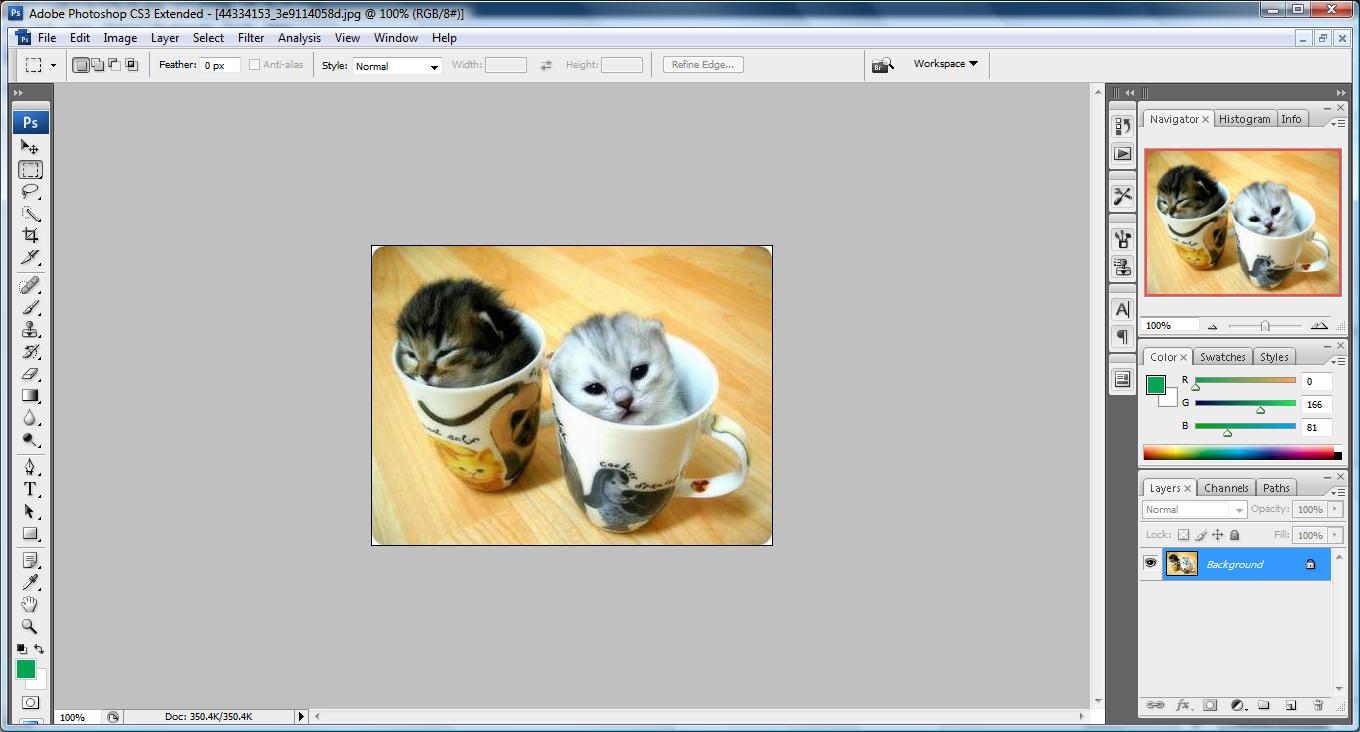
untitled5 300x161 Tutorial: How to highlight certain image

2. go to Layer->New Adjustment Layer->Channel Mixer and Click ‘OK’

untitled38 300x168 Tutorial: How to highlight certain image

3.  Once you have clicked ‘OK’ you will see this, tick the Monochrome which will turn the image to black and white (you can don’t tick this and play with the bar so that the image will have other color) and click ‘OK’.

untitled39 300x278 Tutorial: How to highlight certain image

4. Make your foreground color to black and choose the brush tool. You can set your pixel of the brush tool so that it will highlight on a bigger area. I selected 68 pixel.
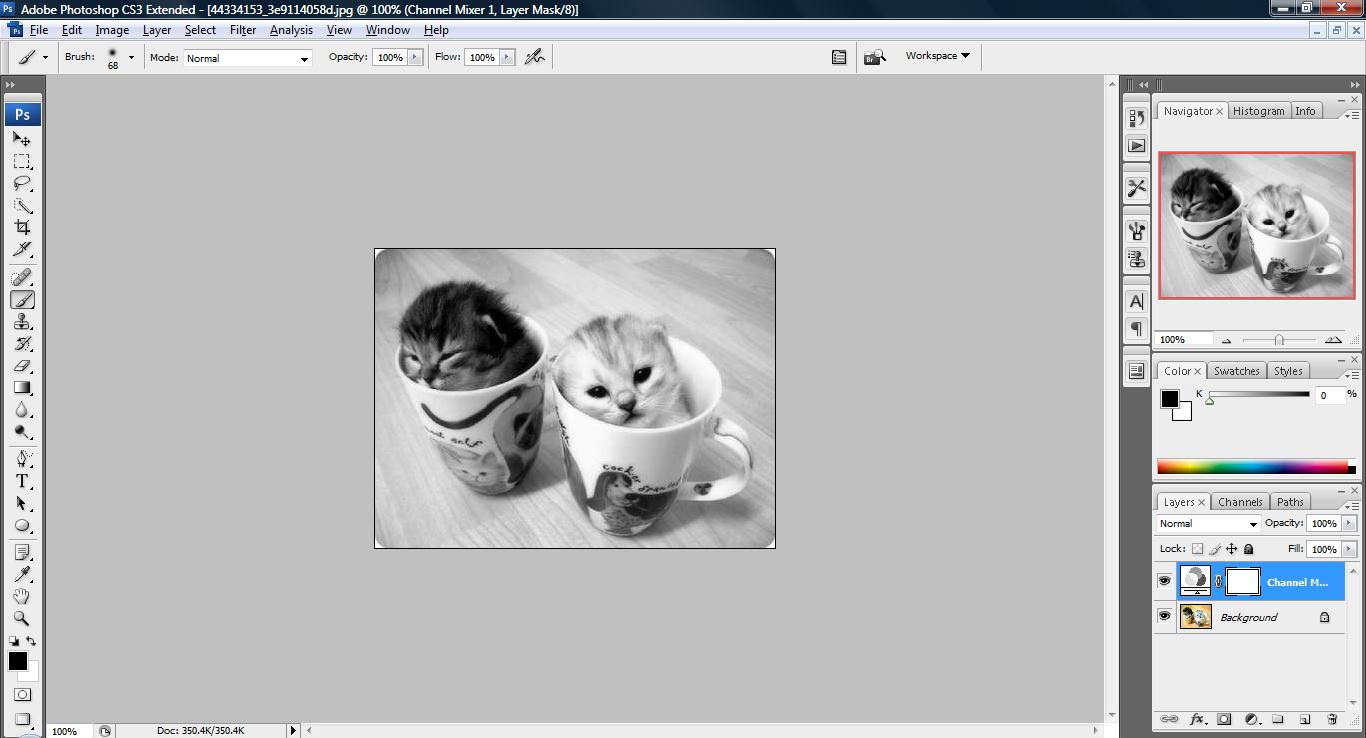
untitled40 300x162 Tutorial: How to highlight certain image

5. Now brush on the image space you wish it to be highlighted! viola~
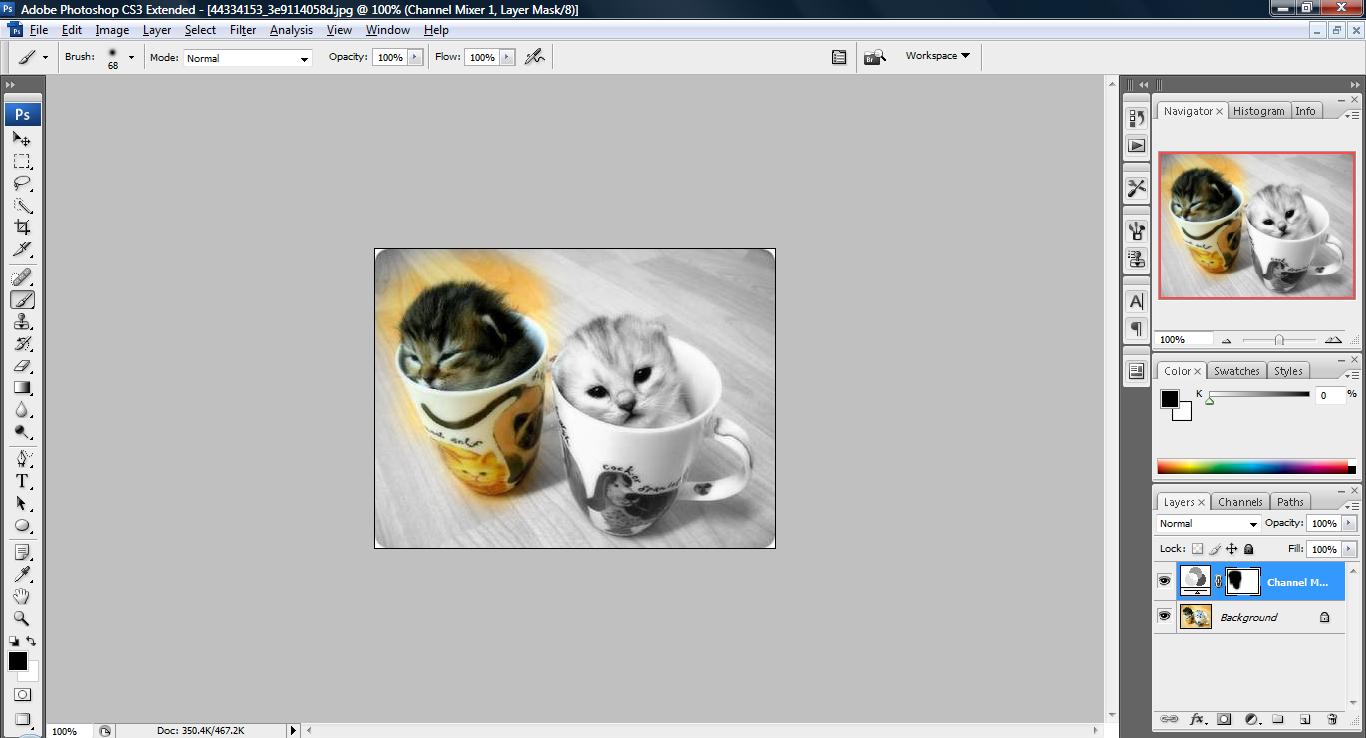
untitled41 300x162 Tutorial: How to highlight certain image

You may not have the same tools as shown above. But i believe almost every version of photoshop has ‘Channel Mixer’. This is the key to highlight your picture. The overall color of the image can be change using other methods than the one describe above.


Like this post? Share it!

digg 48 Tutorial: How to highlight certain image reddit 48 Tutorial: How to highlight certain image stumbleupon 48 Tutorial: How to highlight certain image delicious 48 Tutorial: How to highlight certain image furl 48 Tutorial: How to highlight certain image technorati 48 Tutorial: How to highlight certain image google 48 Tutorial: How to highlight certain image myspace 48 Tutorial: How to highlight certain image facebook 48 Tutorial: How to highlight certain image twitter 48 Tutorial: How to highlight certain image
share save 171 16 Tutorial: How to highlight certain image

No related posts.

About Clay

I am Clay who is the main writer for this website. I own a small web hosting company in Malaysia and i'm available to be hired as individual contractor on elance or odesk. You can find me on twitter.
This entry was posted in Adobe Photoshop, How-to and tagged . Bookmark the permalink.

Comments are closed.