Tutorial: How to draw a cloud

I am very tired over here but i will still place a simple tutorial to demonstrate a drawing of a cloud which can be use for many purposes.

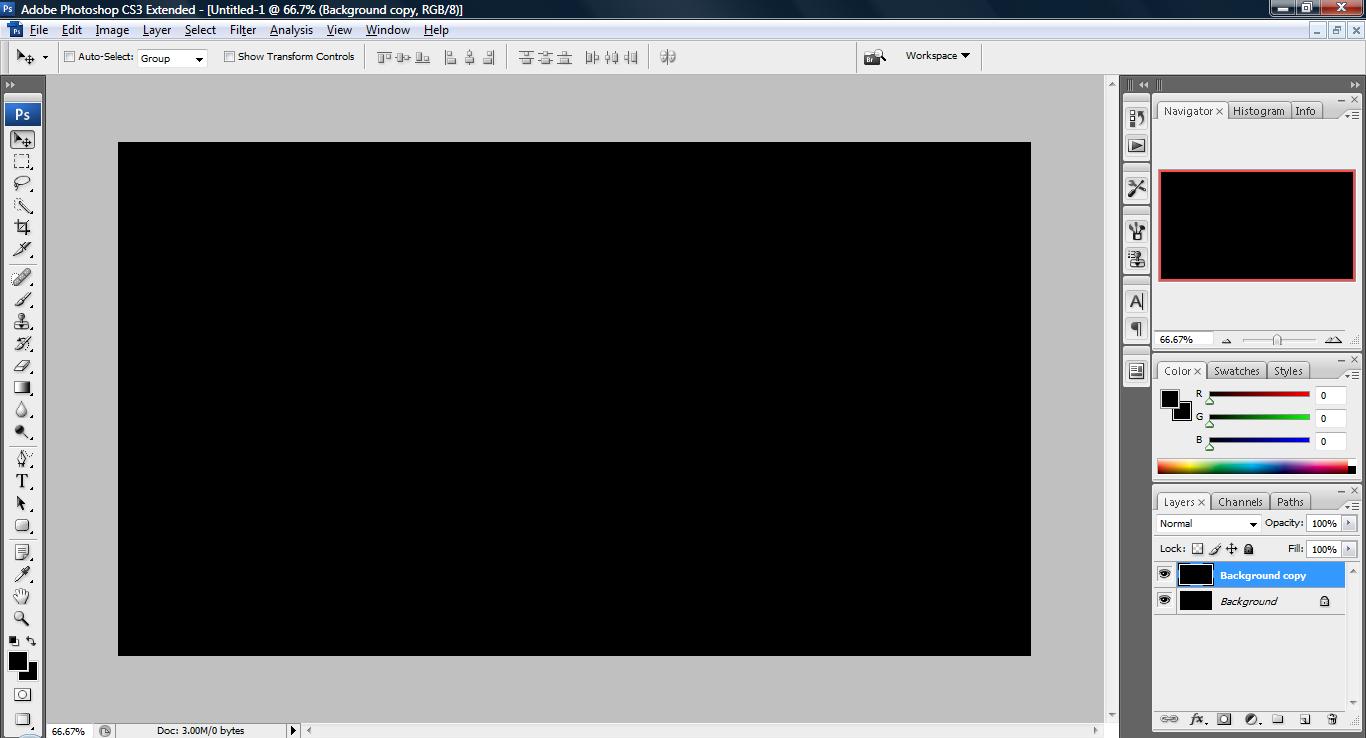
1. Fire your photoshop and open a new board. Set the background color to black.
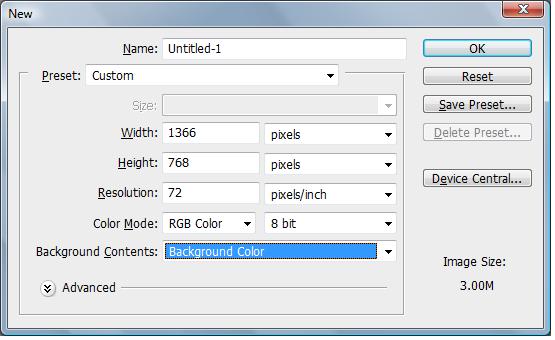
untitled35 300x183 Tutorial: How to draw a cloud

2. go to layer palette and right click on the ‘background’ image and duplicate a new layer.

untitled36 300x162 Tutorial: How to draw a cloud

3. Change your color to white and select the Ellipse tool. Start drawing random sized circles around each other to form a cartoon cloud shape.
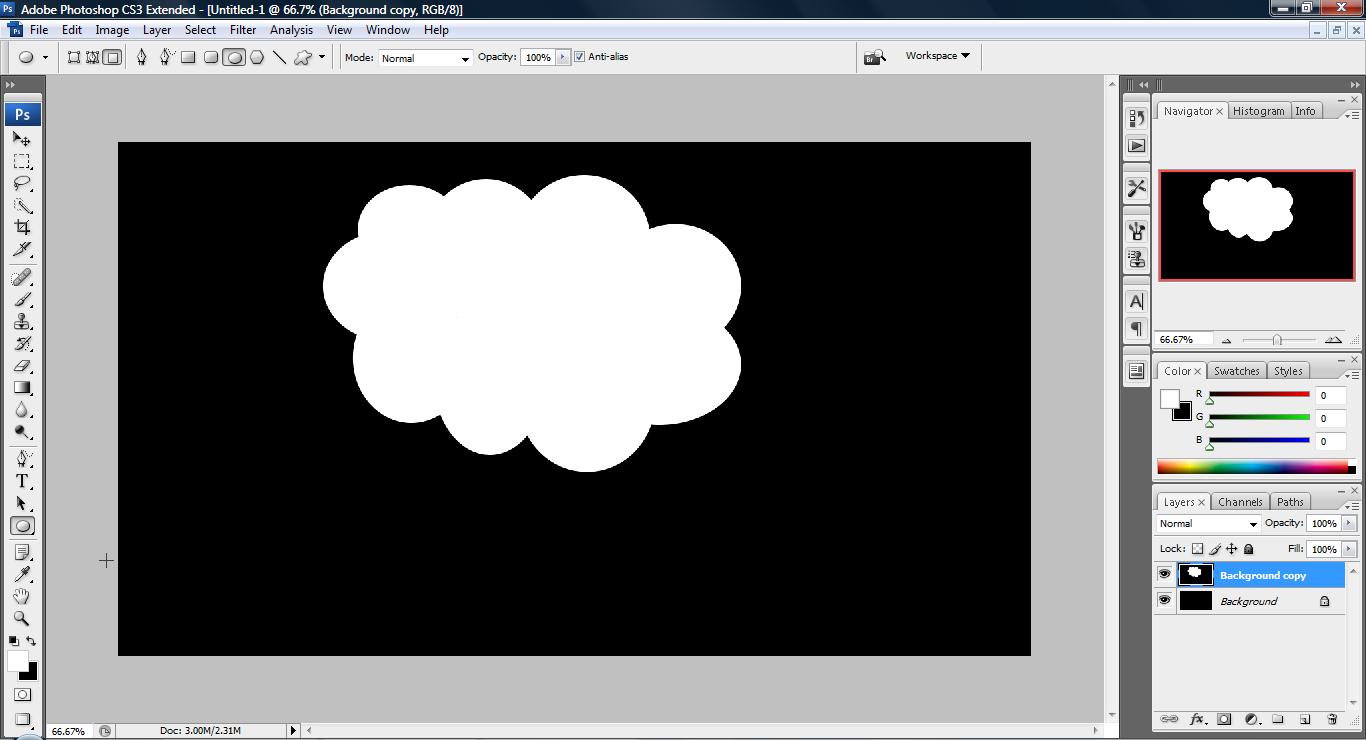
untitled37 300x162 Tutorial: How to draw a cloud

4. I believe you guys can do better =X


Like this post? Share it!

digg 48 Tutorial: How to draw a cloud reddit 48 Tutorial: How to draw a cloud stumbleupon 48 Tutorial: How to draw a cloud delicious 48 Tutorial: How to draw a cloud furl 48 Tutorial: How to draw a cloud technorati 48 Tutorial: How to draw a cloud google 48 Tutorial: How to draw a cloud myspace 48 Tutorial: How to draw a cloud facebook 48 Tutorial: How to draw a cloud twitter 48 Tutorial: How to draw a cloud
share save 171 16 Tutorial: How to draw a cloud

No related posts.

About Clay

I am Clay who is the main writer for this website. I own a small web hosting company in Malaysia and i'm available to be hired as individual contractor on elance. You can find me on twitter.
This entry was posted in Adobe Photoshop, How-to and tagged . Bookmark the permalink.

Comments are closed.