

Tutorial: How to create columns using the div tag

First, I created a container div that would hold everything in my layout. My CSS container rule was

#container
{
width: 800px;
text-align: left;
margin: 0 0 0 150px;

}

Next, within the HTML container div, I inserted a div for the content column and a div for the navigation column


content

Within the CSS rules, my content column was

#content
{    width: 65%;
float: left;
}

whereas my navigation column was

#navigation
{
width: 30%;
margin-left: 70%;


}

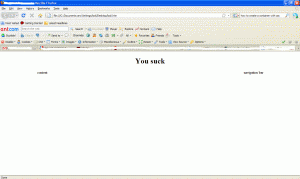
This makes my file look like this
html 300x179 Tutorial: How to create columns using the div tag


Like this post? Share it!

digg 48 Tutorial: How to create columns using the div tag reddit 48 Tutorial: How to create columns using the div tag stumbleupon 48 Tutorial: How to create columns using the div tag delicious 48 Tutorial: How to create columns using the div tag furl 48 Tutorial: How to create columns using the div tag technorati 48 Tutorial: How to create columns using the div tag google 48 Tutorial: How to create columns using the div tag myspace 48 Tutorial: How to create columns using the div tag facebook 48 Tutorial: How to create columns using the div tag twitter 48 Tutorial: How to create columns using the div tag
share save 171 16 Tutorial: How to create columns using the div tag

No related posts.

About liwun

Beautiful lady who has the passion for drawing. Fun and lovable. She writes mostly on Adobe illustrator categories and is one of the first guest author of Hungred.com. You can see a lot of drawing produce by her on her personal blog. She is also the founder of 1sitedaily
This entry was posted in CSS, How-to and tagged . Bookmark the permalink.

Comments are closed.