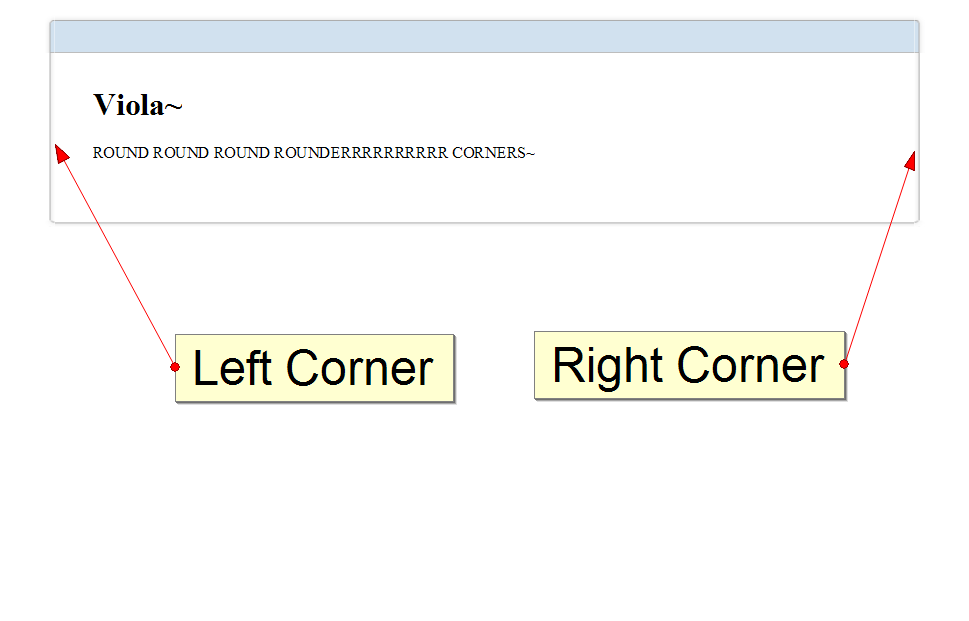
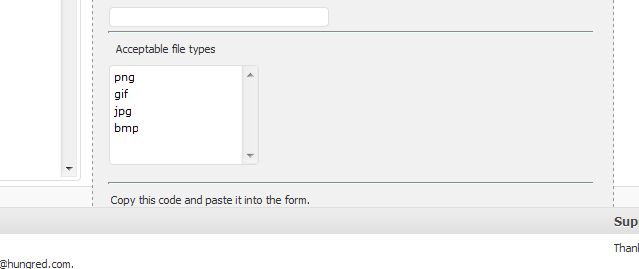
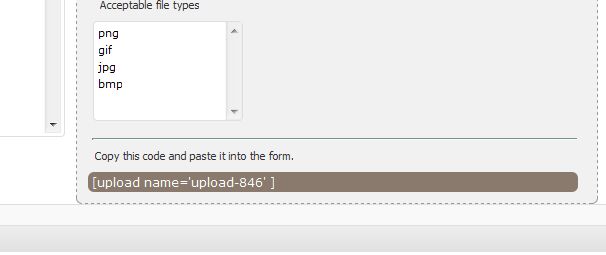
Float in CSS is something every web designer or font-end developer will come across very frequently in a normal web development process. Especially when web designers are trying to layout a particular element into a CSS design. But laying out float element might not always be smooth sailing. Nonetheless, solutions can be easily spotted. Personally, I was having a few problems with my floating element being floated out of the container as shown below,
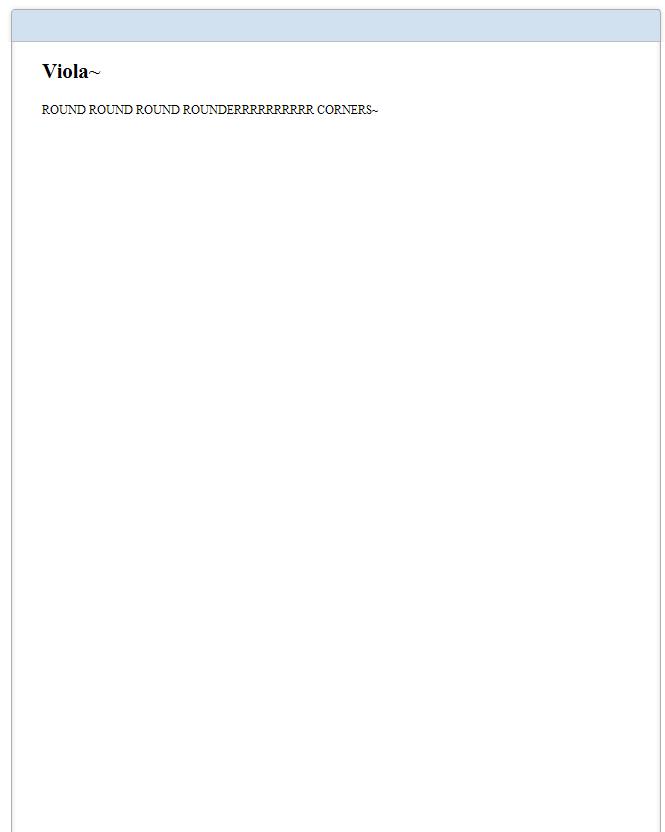
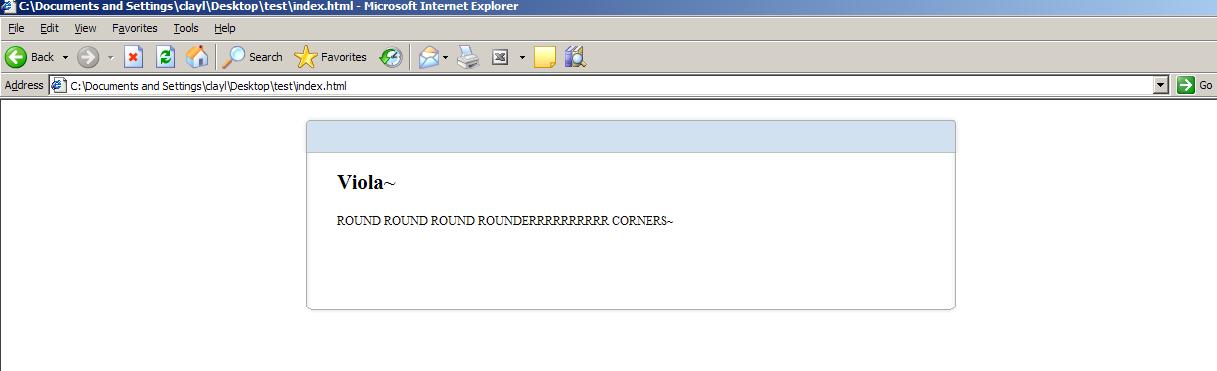
After some research it seems like there are various ways we can fix this problem so that the container will takes the floating element height instead of having the floating element getting 'out of bound' situation. Applying these solutions will gives us something we desire as shown below,
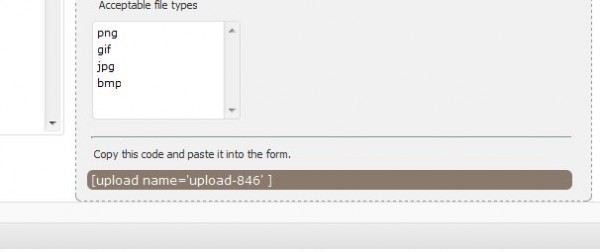
Block The Float
One of the way is to block the float from going 'out of bound'. The float element went out of the container because there wasn't anything that stopped it from moving out. Therefore, we can use clear:both; on the element below the container to prevent the element from floating out.
<div id='container'>
<div id='float'></div>
</div>

<div id='next-container' style='clear:both;'>
</div>
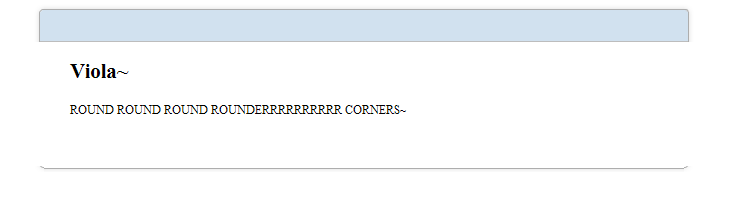
With the declaration above, you will see something like this as shown on the image.
Notice that it still goes over the line but the element did not went under it this time. You can also block it nicely where the block container is placed before the end of line of the container.
<div id='container'>
<div id='float'></div>
<div style='clear:both;'></div>
</div>

<div id='next-container'>
</div>
In return, it will give you the same result as
however, this will cost you another tag needed to block the floating element from overlapping other elements. If you use many div block in your design until it is completely difficult to manage. Try helping yourself by avoiding such method.
Block it with efficient
This method still does the blocking of element. However, in a much better way. We can do this by introducing :after pseudo code!
<style type='text/css'>
#container:after{
clear:both;
}
</style>
<div id='container'>
<div id='float'></div>
</div>
This substitutes the required div block needed to block the floating element from getting out of bound! However, this does have its own fault. We all know that :after is not supported in every version of a browser. Hence, using this might means additional hacks required to perform the same task for other browsers. You can read more on fixing container height with floating element on this article which describe much more detail regarding this method. The result can be seen as
well, its still the same desired result we want. The previous one will be much easier to achieve 🙂
Common CSS approach
The common CSS approach that many will practice is to make use of the declaration 'overflow'. From the image we saw above, the image appeared to be overflowing the container height. Hence, we can prevent such overflow by declaring overflow: auto; which automatically extend the height of the container when the element went overflow.
<div id='container' style='overflow:hidden'>
<div id='float'></div>
</div>
Automatically, it will gives us the result we want.
Simple and efficient! A detail explanation can be seen here.
Summary
I believe these are some of the ways people used to fixed their container height according to float elements in CSS. If you have different methods of doing this. Please feel free to share! I will love to know!