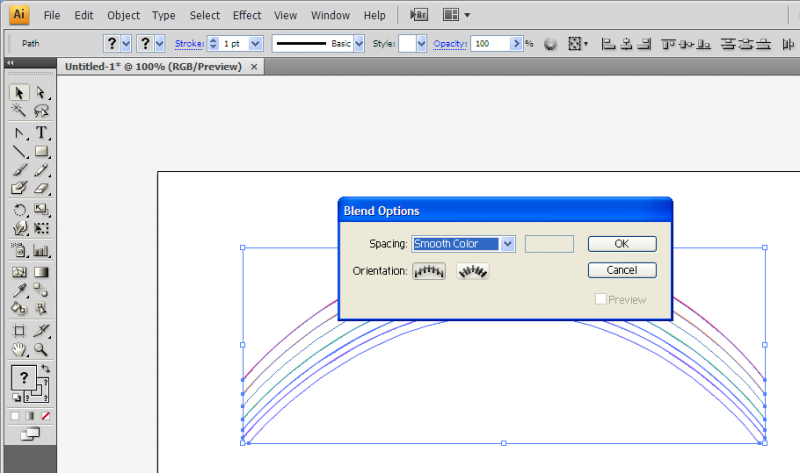
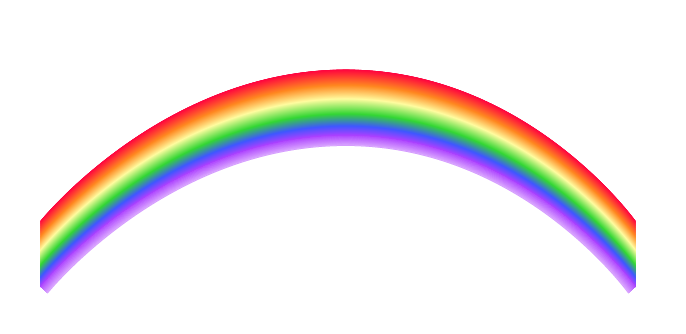
I've talked about how amazing and underused the blend tool in Illustrator is. Here are ten ways to fully utilize the blend tool to create many different kinds of effects in Illustrator.
Blend and mask yourself a great poster
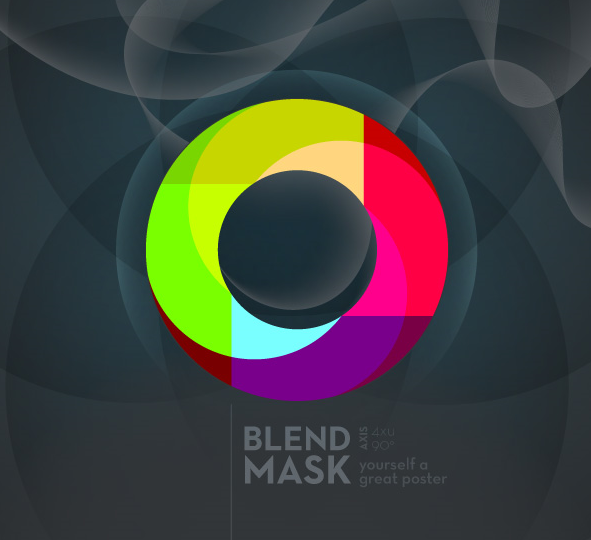
Do you think it's difficult to create a poster with an effect just like the one above? Think again! It's really not. The blend tool was used to create the swirly effects in the background of the poster which would have otherwise been dull and flat.
Illustrator Blend Tool Tips and Tricks
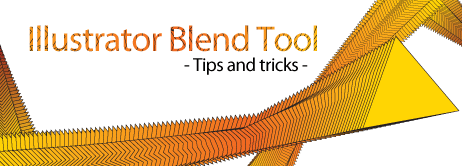
Over at Guru's Unleashed, the tutorial teaches you how to edit the blending spine so you can blend in curves or in any other direction that you would like.
Illustrator's Blend Tool: A Comprehensive Guide
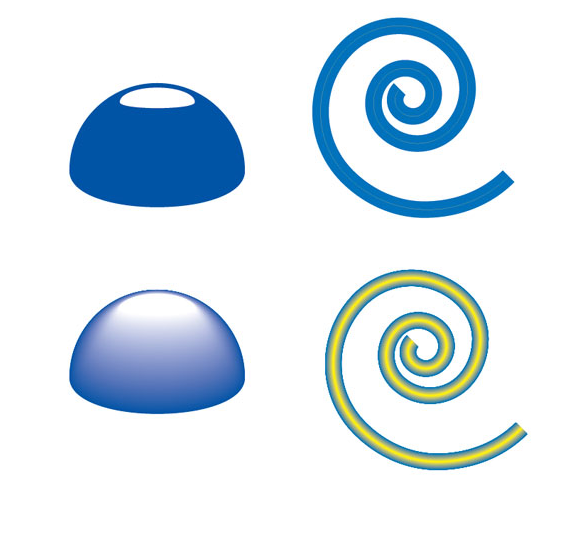
This guide teaches you how to blend with various shapes and gradients, applying blends along a path, replacing spine option, replacing a spine or creating highlights like the picture above. Very useful and reccomended for beginners who did not know the full potential of the tool.
Creating a Stylish Vector Flower
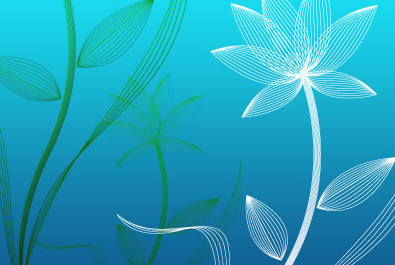
The blend tool technique makes creating vector images like the flower above VERY simple to do- not to mention that it looks great. NDesign studio teaches you how.
Creating Vector Gradient Patterns
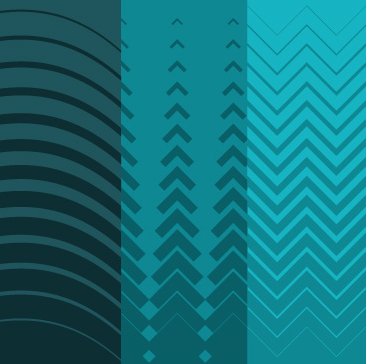
Creating vector gradients like the ones above is easy! All it takes are four steps and there you have it. The vector lab shows you how.
Once the blend tool has been sufficiently mastered, it can be incorporated with other tools to create other images such as the ones below.
Swirl mania in Illustrator
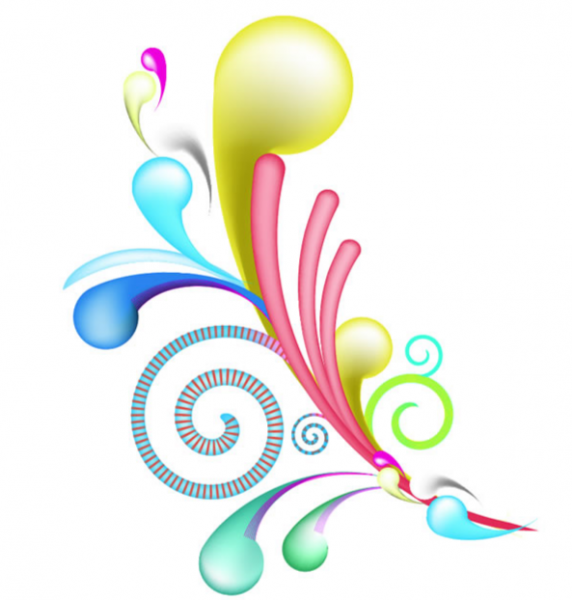
The swirls and spirals in the picture can be created using the blend tool along with the pattern details on them.
Che Mondo Bello: Tutorial in Illustrator Blends
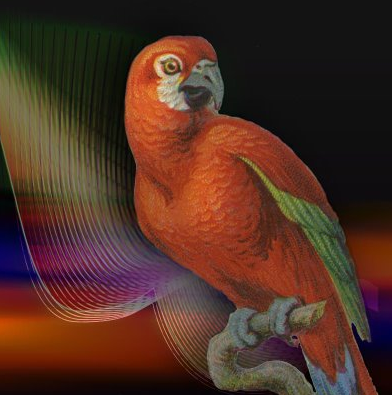
Again, this image shows a perfect example of how an image is livened up with the details in the background created with the blend tool.
Amazing Illustrator 3D Effects

Starting with a relatively flat image of a text, by using the blend tool, a 3d effect can be obtained. With a little help from Photoshop, the result is the image such as above.
Creating an abstract flower using Blend Tool
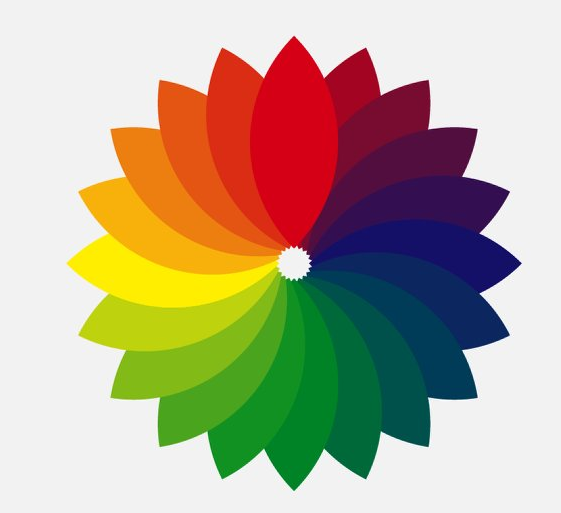
This tutorial is a step-by-step article on how to create an abstract flower such as the one above using the blend tool. I particularly liked this one the best. A great example of a simple and yet so beautiful image that is easy to do.
Creating gradients with the blend tool
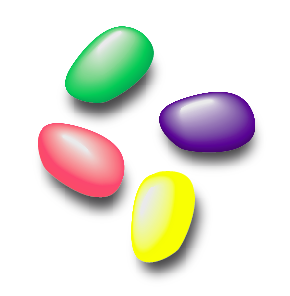
The jellybeans above all look relatively 3d with the help of the blend tool which would have otherwise been a very flat image.